Ecommerce is growing fast. By 2026, global online sales are expected to reach almost $6.4 trillion. Every business wants a share of this huge market, but just having a website is not enough. Customers want an online store that works well and is easy to use.
This is where a Content Management System (CMS) comes in. A CMS helps you organize products, manage pages, and handle orders all in one place. With it, you can update your store, add new products, and manage images without hassle.
A good CMS also makes your store look professional, works on any device, and gives shoppers a better experience. It handles the everyday work of running your online store so you can spend time growing your business and keeping customers coming back.
In this blog, we will discuss what a CMS does for an online store, the most important features to look for, and the different types of CMS available. We will also review the 10 best CMS for ecommerce for 2026, including their pricing, strengths, and who they are best for. By the end, you’ll have a clear idea of which CMS platform matches your online store’s needs and goals.
What is a CMS for Ecommerce?
A Content Management System (CMS) is software that helps you organize and manage everything on your online store. This includes product listings, images, pages, and blog posts. You can update your store without needing to write code.
A CMS is different from a regular website or a full ecommerce platform. A standard website might only show information, while a typical ecommerce platform focuses mostly on checkout and sales. A CMS combines both, letting you manage content and handle ecommerce functions like product management and orders.
Types of CMS for Ecommerce
No matter the size of your business, there’s a CMS that can fit your needs. From small startups to large enterprises aiming to compete with Amazon or eBay, understanding the type of CMS is key to making the right choice.
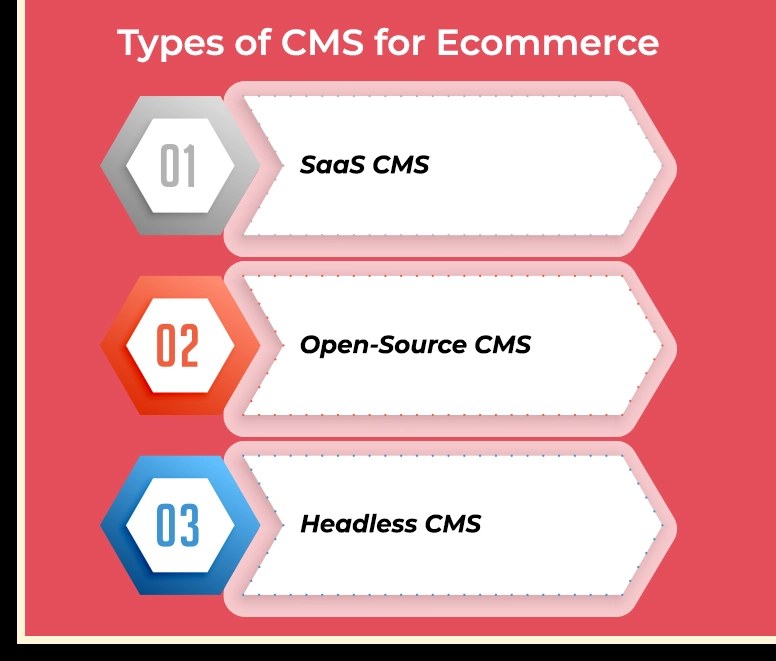
1. SaaS CMS
SaaS, or Software-as-a-Service, platforms are cloud-based and subscription-based. They are easy to set up and manage because hosting, security, and updates are handled for you.
Why it works: SaaS CMS platforms are scalable, integrate easily with other ecommerce tools, and get your store running quickly. They usually cost less upfront than open-source options.
Best for: Medium to large B2B, B2C, and D2C businesses looking to grow without worrying about technical setup.
2. Open-Source CMS
Open-source platforms are self-hosted and highly customizable. You have full access to the code, so you can tweak your store exactly how you want it.
Why it works: Developers can view, edit, and expand the code, with help from online forums and communities. It gives full control but requires technical knowledge to manage.
Best for: Startups and small businesses that want flexibility and don’t mind handling technical setup.
3. Headless CMS
A headless CMS separates the front-end (what your customers see) from the back-end (where content is managed). This setup lets you deliver content across multiple devices and platforms without redesigning the back-end each time.
Why it works: Headless CMS is highly flexible and scalable. You can reach any buyer, on any platform, with the same system.
Best for: Medium to large B2B, B2C, and D2C businesses aiming for a multi-channel, omnipresent customer experience.
Best CMS Platforms for Ecommerce
Picking the right CMS can feel tricky. Every platform has different features, prices, and strengths. The good news is, choosing the right one can make managing your ecommerce store a lot easier. Let’s go through the top CMS platforms and see what makes each of them a good choice.
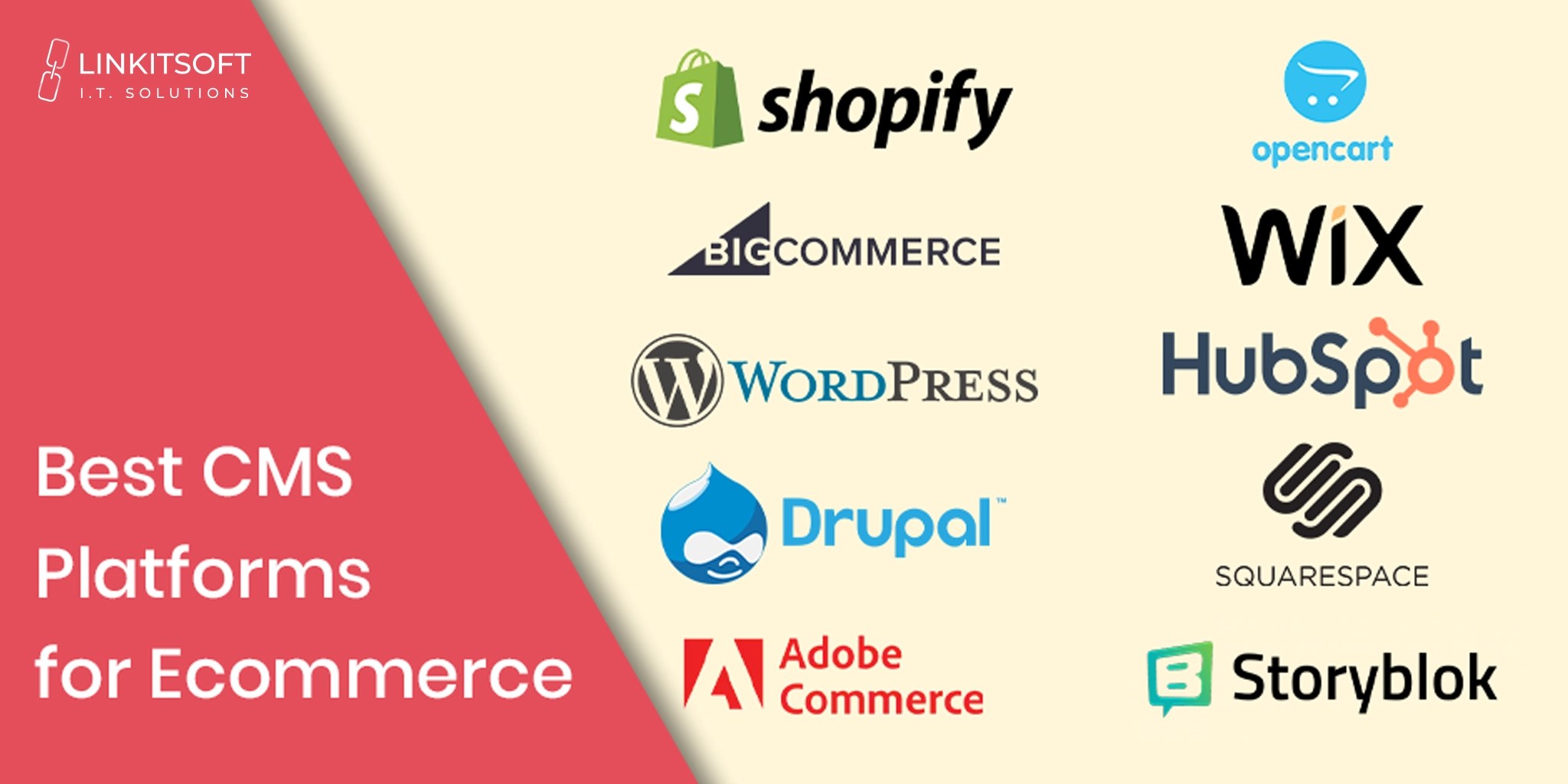
1. Shopify
Shopify is an all-in-one CMS platform that helps you set up and run your ecommerce store. You can choose from ready-made themes or use the store builder to design your website quickly. Adding products, tracking orders, and handling payments is simple. Shopify also offers SEO tools, cart recovery options, and analytics so you can see how your store is doing. You can add over 8,000 apps, and even explore Shopify app development to create custom features and integrations that fit your business needs.
Who it’s for: Businesses of all sizes, from solo entrepreneurs to big brands
Pricing: Starter $5/month, Basic $29/month, Grow $79/month, & Advanced $299/month
2. BigCommerce
BigCommerce is a platform that works for both small businesses and big enterprises. You can sell via your website, social media, and marketplaces, all from one dashboard. SEO features like clean URLs come built in. This CMS platform can handle a lot of traffic and big product catalogs, which makes it reliable if your business grows. Its drag-and-drop page builder helps you make pages without coding.
Who it’s for: Medium and large businesses
Pricing: $348–$3,588/year; Enterprise pricing on request
3. WordPress
WordPress is a flexible system for websites and blogs. Add WooCommerce and it becomes a full online store. You can also customize your store with thousands of themes and plugins. WooCommerce handles payments, shipping, and product management. WordPress is also great if you want a blog or landing pages alongside your store.
Who it’s for: Small to medium businesses and bloggers
Pricing: Free for software; extra costs for hosting, domain registration, themes, payment gateways, plug-ins, and more
4. Drupal
Drupal is a powerful, open-source platform for people who know a bit of coding. With Drupal Commerce, you can manage products, carts, checkout, and orders. It scales well as your business grows and keeps your website secure. It does require some technical skills, though.
Who it’s for: Businesses with developers or tech experience
Pricing: Free for software; extra costs associated with hosting, domain registration, themes, payment gateways, etc
5. Adobe Commerce
Adobe Commerce, formerly Magento, is made for bigger businesses that need a strong and flexible platform. It works for both B2C and B2B. You can manage big inventories and set up custom online stores. You can sell on different channels and let B2B customers place and track their own orders. It has lots of features, but having a tech team helps with the setup and changes.
Who it’s for: Medium to large businesses and complex online stores
Pricing: Starts from around $20,000 per year
6. OpenCart
OpenCart is an open-source option for small stores. It supports multiple languages and currencies. It also has built-in SEO tools to help people find your site. You can choose from either free or paid themes in the marketplace.
Who it’s for: Small ecommerce stores or businesses with simple needs
Pricing: Free for software; extra costs associated with hosting, domain registration, themes, payment gateways, etc
7. Wix
Wix is a drag-and-drop website builder with basic ecommerce features. You can use templates to design your ecommerce store quickly. It handles inventory, payments, and shipping in one place. Wix is fairly easy to use when compared to other CMS platforms, but it’s not ideal for very large or complex stores.
Who it’s for: Small businesses and creative entrepreneurs
Pricing: Free, Light $17/month, Core $29/month, Business $39/month, Business Elite $159/month
8. HubSpot CMS
HubSpot CMS combines website building with marketing and CRM tools. It isn’t a dedicated ecommerce platform, but you can add payments or connect a Shopify store. It’s great if your business focuses on marketing and building customer relationships. You can make landing pages, blogs, and personalized experiences without coding.
Who it’s for: Marketing-focused businesses
Pricing: Free plan is available & paid plans start at $85 per month
9. Squarespace
Squarespace is a website builder with clean and professional templates. You can sell products, manage inventory, and accept payments. It also lets you create member-only content. The templates are simple to use, but limit how much you can change the design. Still, it’s a good choice if you want a stylish online store without too much hassle.
Who it’s for: Small stores and content creators
Pricing: $16–$99 per month
10. Storyblok
Storyblok separates the design and content parts of your site. This means you can use the same content on a website, app, or other channels. It’s great for growing businesses that want to reach customers in many places at once. Brands looking for unique designs or features can benefit from custom ecommerce website development to make their store truly stand out
Who it’s for: Medium to large businesses and omnichannel retailers
Pricing: Starts from free for personal projects, $99/month for growth businesses, and $349/month for advanced features, and custom plans are available for larger organizations
Essential Features of an Ecommerce CMS
Choosing the right CMS for your online store is more than picking a platform. The features it offers can directly impact how smoothly your business runs and how customers experience your brand. Here are the key features to look for in an ecommerce CMS.
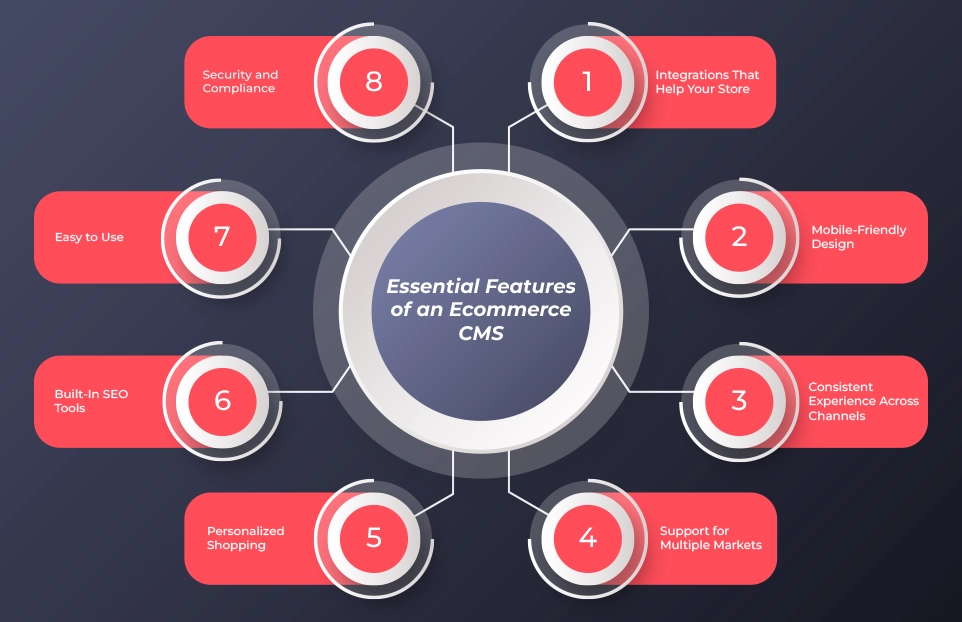
Integrations That Help Your Store
Your CMS should work well with other tools. This includes payment systems, email marketing platforms, and customer management tools. Easy integrations save you time and let you focus on growing your business.
Mobile-Friendly Design
Most shopping happens on mobile devices. Around 73 percent of online ecommerce transactions now take place on smartphones or tablets. Your store needs to look good and work smoothly on every screen. A mobile-friendly site keeps customers happy and improves search engine rankings.
Consistent Experience Across Channels
Customers interact with your store in many ways. They may shop on your website, mobile app, or social media. Your CMS should help you in creating a consistent experience everywhere. When everything feels connected, shoppers trust your store more and are more likely to buy.
Support for Multiple Markets
If you want to sell internationally, your CMS should support different languages, currencies, and regional settings. This helps your brand feel personal to local audiences and makes it easier to reach more customers around the world.
Personalized Shopping
Customers appreciate it when they see products and offers that fit their needs. A good CMS can use data like browsing history and past purchases to show relevant products and content. Personalization of your ecommerce store keeps customers engaged and increases the chances they will return.
Built-In SEO Tools
Even the best products cannot sell if people cannot find them. A CMS with built-in SEO features helps your pages rank higher on Google. Optimized product descriptions, images, and metadata bring in more visitors and build trust with shoppers.
Easy to Use
Managing your store should not require a tech degree. A clear dashboard and organized media library make it simple to add products, update pages, and manage images. When your CMS is easy to use, you can focus on selling instead of dealing with technology.
Security and Compliance
Your CMS should protect your business and your customers. You can look for features such as SSL certificates, encrypted data, and regular updates. These help your store stay safe and comply with rules like GDPR.
How to Choose the Right CMS for Your Ecommerce Store
Choosing the right CMS doesn’t have to be stressful. Start by thinking about what your store really needs. If you run a small or medium-sized business, an all-in-one platform is usually the easiest way to get started. It’s quick to set up and doesn’t need a lot of technical skills. If your store is a bit bigger, you might want something more flexible that still gives you ready-made tools. And for large or enterprise stores, a headless or scalable CMS can handle lots of products and multiple sales channels.
Next, think about your budget and your team. Some platforms are cheap and simple enough for you to manage on your own. Others need a technical team to get started and keep things running smoothly. Make sure the CMS you pick fits your budget and your team’s skills.
Finally, look at how fast you can get your store live and how easy it is to grow later. You want something that lets you start selling quickly, but can also handle more products, more customers, and new sales channels as your business grows. Picking the best CMS for ecommerce now will save you a lot of headaches later.
Frequently Asked Questions
Which CMS is best known for e-commerce capabilities?
Platforms like Shopify, BigCommerce, and WooCommerce are widely recognized for their ecommerce strengths. They make it easy to manage products, orders, and payments all in one place, and they also support marketing tools and integrations that help your store grow.
What is CMS in e-commerce?
A CMS, or Content Management System, is software that helps you organize and manage your online store. You can handle product listings, images, pages, and blog posts without coding. Essentially, it lets you run your store smoothly while focusing on selling.
Is Shopify a CMS?
Yes, Shopify is an all-in-one CMS platform. It helps you design your store, manage products, process payments, and even use SEO tools.
What is the best CRM for e-commerce?
Many ecommerce stores pair their CMS with a CRM to manage customer data and marketing. HubSpot CRM is a popular option because it integrates with multiple CMS platforms and helps personalize the shopping experience.
What are the 4 types of e-commerce?
The four main types are: B2C (Business to Consumer), B2B (Business to Business), C2C (Consumer to Consumer), and D2C (Direct to Consumer). Your CMS choice may depend on which type of commerce you focus on.
What platform is best for e-commerce?
There’s no one-size-fits-all answer. Small businesses often start with Shopify or Wix. Mid-sized businesses might use BigCommerce or WooCommerce. Large or enterprise stores often need Adobe Commerce or headless CMS platforms like Storyblok to handle complex operations and multi-channel sales.
Do I need a developer to manage a CMS?
It depends on the platform. Easy-to-use platforms like Shopify or BigCommerce let you handle most tasks yourself. But for open-source platforms like WordPress or Drupal, having a developer can help with setup, custom features, and making sure everything runs smoothly. Our expert developers can step in to get your store working just the way you want.