When businesses talk about CRM, the conversation usually starts with cost, but it should start with how the business actually works. A custom CRM is the engine behind sales, marketing, support, and the leadership decisions of an organization.
Today, CRMs are powerful tools that generate heavy revenue. High-performing teams use them effectively, and research shows that for every $1 spent, CRMs return nearly $9. So if you haven’t developed one yet, it’s time to develop a custom CRM for your own business.
Why is Custom CRM a Business Investment?
A custom CRM does more than organize existing processes. It reshapes them… When built correctly, it defines workflows and creates measurable performance structures. That is why its cost reflects strategic impact rather than just development hours.
- Research from HubSpot indicates that 40% of sales professionals say that prospecting is the most challenging part of their job. When there is no structured lead tracking and prioritization, teams waste hours. Why? They chase low-value prospects while high-intent leads go cold.
- According to McKinsey, 71% of consumers expect companies to deliver personalized interactions. At the same time, 76% become frustrated when this doesn’t happen.
This shows the immense benefits of using CRM systems for businesses.
What are the Costs Based on CRM Complexity?
Custom CRM pricing varies primarily based on system complexity. Complexity is shaped by several factors and platform needs. Rather than categorizing by industry, it is more accurate to categorize by operational scale.
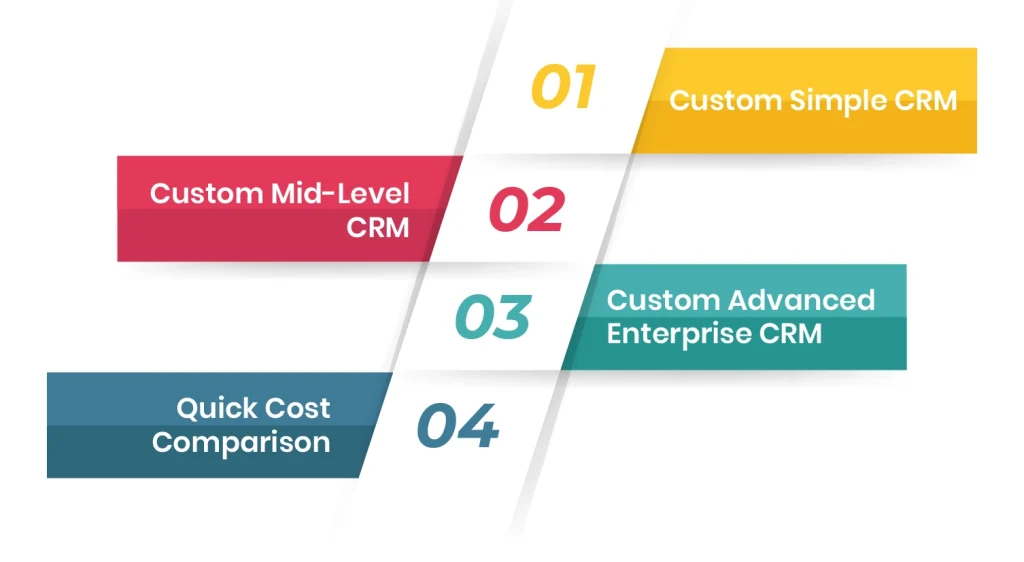
Custom Simple CRM
Estimated Cost: $10,000 – $25,000
Best For: Small businesses, startups, local sales teams
A simple CRM focuses on replacing spreadsheets and manual follow-ups. It introduces structure without deep automation.
It typically includes:
- Contact and lead management
- Task tracking
- Basic dashboards
- Automated reminders
The interface is often template-based, and integrations are minimal. Costs remain controlled because user access is limited and workflows are relatively straightforward.
Custom Mid-Level CRM
Estimated Cost: $25,000 – $70,000
Best For: Growing businesses, regional operations, mid-sized sales teams
A mid-level CRM goes beyond the basics. It basically helps businesses manage and automate even more functions. In this tier, features typically include:
- Advanced opportunity management
- Automated pipeline tracking
- Customer support ticketing
- Marketing automation
- Integration with accounting or ERP systems
At this stage, analytics dashboards become more detailed, often including forecasting tools. Costs increase because multiple departments are now involved.
Custom Advanced / Enterprise CRM
Estimated Cost: $70,000 – $250,000+
Best For: Large enterprises, multinational operations, high-volume environments
Enterprise-level CRM systems function as integrated operational ecosystems. They often include:
- Fully customized workflows
- AI analytics
- Predictive forecasting
- Role-based permission structures
- Multi-language
- Multi-currency capabilities
- Integration with finance, HR, and supply chain systems.
Security and compliance requirements become more advanced, especially in regulated industries.
The cost at this level is driven by high data volumes, complex backend architecture, scalable cloud infrastructure, and advanced automation logic.
Quick Cost Comparison
| CRM Type | Typical Cost Range | Best For |
| Simple CRM | $10,000 – $25,000 | Small businesses & startups |
| Mid-Level CRM | $25,000 – $70,000 | Growing companies |
| Advanced / Enterprise CRM | $70,000 – $250,000+ | Large enterprises |
What are the Major Factors That Influence the Custom CRM Development Costs?
Beyond the system tier, specific technical and operational elements shape the final cost.
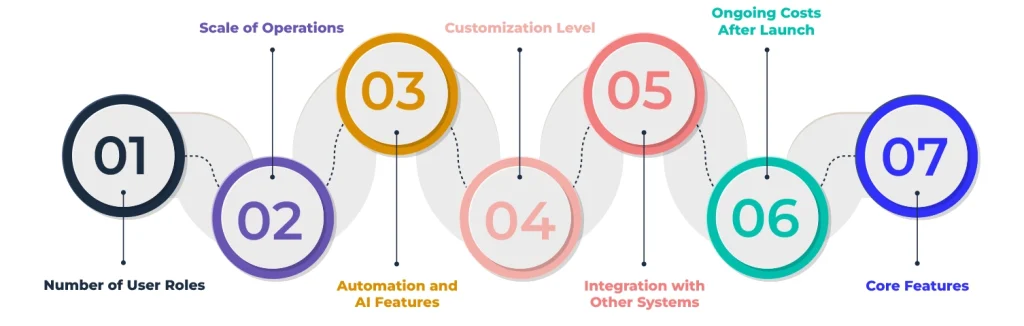
Number of User Roles
A CRM designed for one team is fundamentally different from one that is designed to support multiple departments.
Each user role requires customized dashboards and different types of access permissions. With that, the workflow rules and reporting views are also distinct. The more roles introduced, the more the development complexity increases.
Scale of Operations
Data volume impacts the infrastructure decisions involved in building your custom CRM.
A company managing thousands of contacts requires far less backend optimization. This is especially true when you compare it to one handling millions of records. Larger datasets demand stronger database architecture, optimized queries, and scalable hosting environments.
Automation and AI Features
Automation improves the overall productivity, but it definitely increases the development effort.
Features such as automated lead scoring, behavior-triggered workflows, predictive sales forecasting, and smart reminders require structured data modeling and testing.
AI analytics especially demand clean datasets and well-defined performance metrics.
Customization Level
Template-based systems reduce design and development time. Fully branded interfaces with custom dashboards and workflows, alongside personalized reporting structures, require deeper collaboration. Not only are the designers involved, but coordination is also necessary between stakeholders and developers.
However, customization ensures alignment with long-term operational strategy.
Integration with Other Systems
Modern CRM systems rarely operate independently. Integrations may include ERP platforms and accounting tools. But it depends on the business because it can also integrate with marketing automation software, eCommerce systems, or payment gateways.
Each connection involves API development and ongoing maintenance.
Ongoing Costs After Launch
Custom CRM investment does not end at its deployment. Maintenance typically costs between 15% and 25% of initial development annually. This includes bug fixes and performance optimization. Over time, this will also include feature updates and security patches.
Infrastructure expenses grow as data volume and user base expand. Cloud hosting and workflow automation engines require ongoing budgeting as well.
As businesses scale into new departments or regions, additional integrations and workflow adjustments increase the operational costs.
Core Features
Not every custom feature influences the custom CRM’s costs equally. Foundational elements such as contact management, activity tracking, dashboards, and notifications form the base layer.
Efficiency-boosting features such as pipeline automation and forecasting tools introduce measurable productivity gains but require additional logic and backend structuring.
Customer experience features, including support ticketing and multi-channel communication, expand system scope and require additional integrations.
Every added feature increases development time, testing cycles, and long-term maintenance requirements.
What is the Development Team & Budget Structure in Custom CRM Development?
How a CRM is built is as important as who is building it. Here are the two main models that you can choose from:
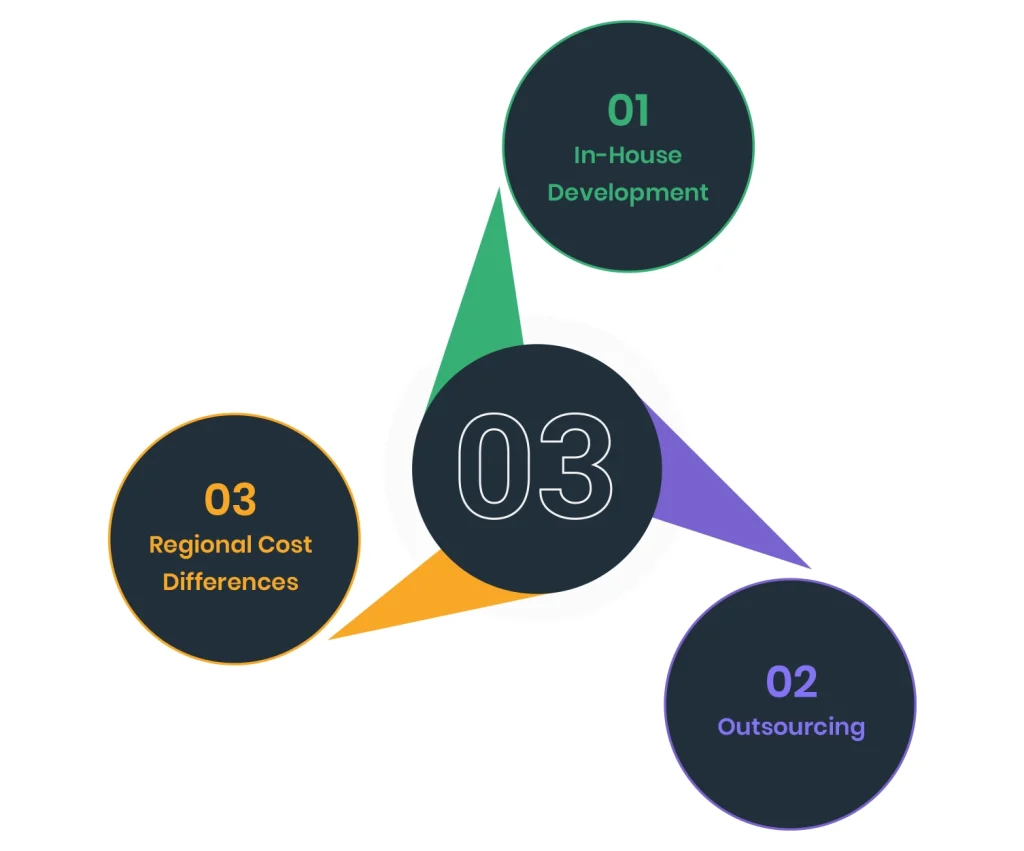
In-House Development
Building your CRM internally means your team knows your business inside and out. Developers, designers, and product managers work alongside your sales, marketing, and support teams, so every feature reflects how your company actually operates.
Pros:
- Deep understanding of your business and workflows.
- Full control over priorities, timelines, and future updates.
- Knowledge stays within the company for long-term growth.
Cons:
- Hiring the right people takes time and money.
- Salaries and infrastructure increase fixed costs.
- Building a full team can slow down the start of development.
Best for: Companies that want full control or need highly customized workflows.
Outsourcing
Outsourcing lets you tap into a ready-made team of custom CRM experts. This means you can start faster and often spend less than building an in-house team.
Pros:
- Faster project starting times with no hiring delays.
- Lower upfront costs and less long-term overhead.
- Access to specialized expertise for automation and design.
Cons:
- Requires clear communication with strong project management to keep everyone aligned.
- Less day-to-day control over development.
- Knowledge about your business and processes needs to be carefully documented.
Best for: Companies that want a fast, cost-effective launch or don’t have an existing technical team.
Regional Cost Differences
| Region | Hourly Rate |
| Eastern Europe | $30–$40 |
| Asia | $20–$30 |
| Latin America | $40–$60 |
| Africa | $20–$40 |
Regional selection influences the hourly rates. However, vendor expertise and communication structure ultimately determine value.
What are the Hidden Costs of Building a Custom CRM to Watch For?
Even with a clear plan, CRM projects often have costs that don’t show up in initial estimates. Being aware of these early can prevent unpleasant surprises.
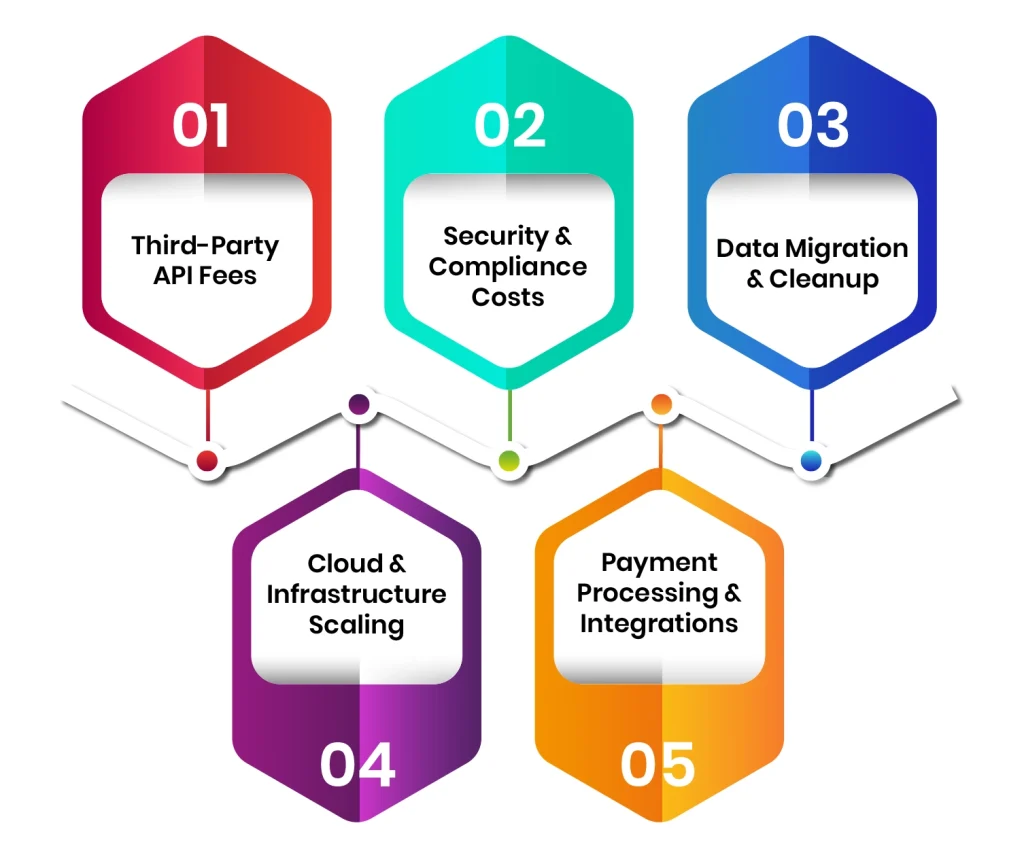
Third-Party API Fees
Many CRMs rely on external services like email platforms or marketing tools. While initial integration may seem straightforward, API usage often comes with per-call or monthly fees. Over time, especially as your business grows, these can add up significantly.
Security & Compliance Costs
Custom CRMs need to protect sensitive customer data. Implementing advanced security measures like encryption and GDPR/CCPA compliance adds both development and ongoing maintenance costs.
Data Migration & Cleanup
Moving the existing customer data into a new CRM is rarely plug-and-play. Cleaning and migrating any kind of data from spreadsheets or other CRMs into your custom CRM can take more time and resources than expected.
Cloud & Infrastructure Scaling
As your business grows, your CRM will need more storage and faster servers. It will also require stronger processing power. Underestimating these needs can lead to sudden spikes. This can happen with cloud costs or forced infrastructure upgrades.
Payment Processing & Integrations
If your CRM interacts with payments, such as subscriptions or invoicing, you’ll likely face processing fees and integration costs. These often go unnoticed until the system is live.
Conclusion
Unlike subscription-based off-the-shelf tools, a custom CRM becomes part of the organization’s structural foundation.
When designed strategically, it does more than centralize contacts. It improves accountability and enhances forecasting accuracy. For organizations, it strengthens collaboration and supports expansion into new markets.
The real cost question is not how much development requires. It is how much inefficiency currently exists inside the organization and what it is worth to eliminate it.