
Did you know the App Store made $103.4 billion in 2024, while Google Play brought in $46.7 billion? Even though Android dominates in total downloads, iOS users spend far more on apps and in-app purchases. This is one reason why iOS has become so popular among developers and businesses looking to generate revenue.
iOS is not just the revenue leader. It is also a popular choice for developers and businesses. Companies pick it to reach an audience that actively spends on apps. Developers find it rewarding because the platform values well-built and high-quality apps.
If you’re planning to create an iOS app, the first question on your mind is probably: how much will it cost? The answer depends on things like app features, design, and the team you hire.
In this blog, we’ll break down the main factors that affect iOS app development cost. We’ll also cover hidden expenses and share practical tips to plan your budget wisely. By the end, you’ll know what to expect and feel confident about your iOS app project.
Understanding iOS Users Before You Build
iOS users are a unique audience. They may be smaller in number compared to Android users, but they are highly engaged and willing to spend on apps and services. On average, an iOS user spends about $10.40 per app each month, compared to just $1.40 for Android users. So, iPhone users make more in-app purchases and are more likely to pay for premium features.
This makes iOS a goldmine for businesses that want revenue, not just downloads. If your goal is to build a profitable app, focusing on iOS first can give you better returns.
Another advantage is the consistency of Apple devices. iOS apps only need to work on a limited set of devices, like iPhones and iPads. This makes development and testing simpler and often faster, which can help manage your app’s budget.
This is why understanding your users comes first. Once you know who you are building for, it’s easier to look at the iOS app development cost and plan your budget.
iOS App Development Cost Breakdown
Building an iOS app can be a big investment, and costs can vary widely depending on what you want your app to do. Knowing the main factors that affect the cost will help you plan better and avoid surprises. Let’s go through the 6 key factors that influence iOS app development cost in detail.
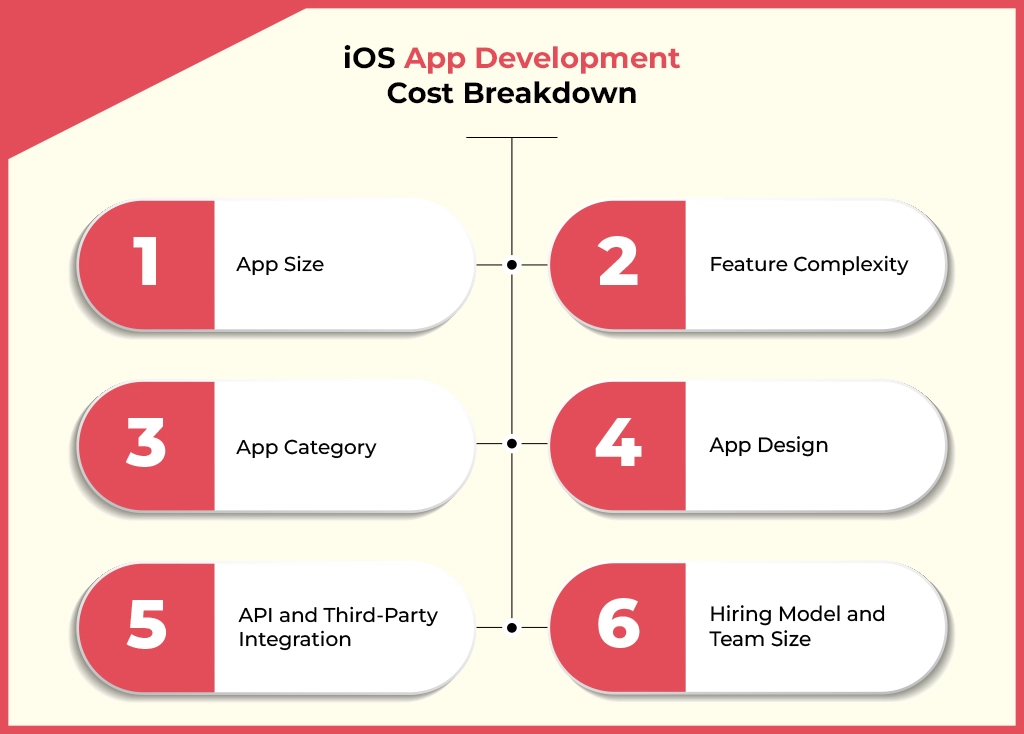
1. App Size
The size of your app is one of the first things that influences the cost. Smaller apps with a few screens and simple functionality are easier to develop. They require less time and fewer resources. On the other hand, larger apps with many features, complex content, and high-resolution graphics take longer to build. This naturally makes them more expensive. By focusing on essential features and efficient coding, you can optimize the size of your app. This helps control costs without compromising quality.
| App Size | Average Development Time | Average Cost |
| Small | 2-4 months | $10,000–50,000 |
| Medium | 4-8 months | $50,000–100,000 |
| Large/Complex | 8+ months | $100,000+ |
2. Feature Complexity
The features included in an iOS app play a major role in determining its development cost. The iOS apps can be categorized into basic, medium, and complex levels, depending on functionality, design, and backend requirements. The table below summarizes these levels and their impact on cost:
| Complexity Level | Key Features | Backend/Database | Cost Impact |
| Basic | Simple login, basic UI, essential functions, push notifications | Small database, basic CRUD operations | Low |
| Medium | Social/biometric login, custom UI elements, search, in-app messaging, payments | Advanced database, larger datasets, analytics integration | Medium |
| Complex | Multi-factor login, highly interactive UI, AI/ML, AR/VR, real-time collaboration | Complex backend, multiple APIs, secure data sync | High |
3. App Category
The type of app you want to build also has a big impact on cost. Some app categories naturally need more resources and effort. For example, gaming apps or e-commerce platforms are packed with features, so they require more complex design, coding, and testing. On the other hand, simpler apps, like utility tools or basic informational apps, are quicker and cheaper to build.
Certain app categories might also need extra attention. If your app has to follow industry regulations or work with third-party services, that can add to the overall cost. So, the more requirements and special integrations your app has, the higher the budget you should expect.
| App Category | Average Development Time |
| Gaming | $30,000–250,000 |
| Business | $5,000–150,000 |
| Education | $10,000–80,000 |
| Entertainment | $15,000–100,000 |
| Travel | $5,000–50,000 |
| Shopping | $5,000–50,000 |
| Social Networking | $10,000–60,000 |
| Health & Fitness | $10,000–250,000 |
| Medical | $30,000–90,000 |
4. App Design
When it comes to design, this is another area that affects both cost and user experience. Simple designs with standard interface elements are easy on the budget. But if you want custom animations, interactive features, or high-resolution graphics, it takes more time and effort to develop. You also need to factor in UX research, branding, and testing. Apps that need to work well across different screen sizes and resolutions can take even longer. Investing in good design pays off because users will find your app visually appealing and easy to use, which helps keep them engaged.
5. API and Third-Party Integration
Most apps today rely on APIs and third-party services. These could include payment gateways, social media logins, or mapping services. Simple integrations, like Google Maps or Facebook login, are usually affordable.
However, multiple or custom APIs require more development time and expertise, which increases costs. Payment gateways also differ in cost based on provider, security requirements, and transaction volume. Including ongoing maintenance and support is important when planning your budget.
Popular API costs can range from $100 to $800, depending on the service. For example, Google Maps and Facebook APIs cost around $200 each, Skyscanner API is $100, Movie Database API is $600, and a Booking API is $800.
6. Hiring Model and Team Size
One big factor that affects how much your iOS app costs is the team you hire. Having a full experienced team is usually better than hiring freelancers. A full team has all the skills needed in one place. They work together well, communicate easily, and can handle tricky problems faster. This can save you time and prevent extra costs that sometimes happen when using freelancers.
The size of your team also matters. A small team might cost less but can take longer to finish the app. A bigger, skilled team can get the job done faster, but it will cost more because of salaries. Key people you need include iOS developers, UI/UX designers, QA testers, project managers, and business analysts. Each person has a specific role, and having all of them helps the iOS app project run smoothly. Investing in a full-skilled team usually gives you a better app. It keeps the project on time and helps you avoid surprises in the budget.
Hidden Costs You Shouldn’t Ignore in iOS App Development
While the main factors affecting iOS app costs are obvious, there are hidden costs that can easily be overlooked. These small but recurring expenses can add up, so it’s important to plan for them in your budget.
Some of the common hidden costs include data storage, content delivery networks (CDNs), yearly iOS updates, and ongoing monitoring and maintenance. You also need to account for the Apple developer account fee to publish your app on the App Store.
| Hidden Cost Factors | Average Cost/Year | What It Covers |
| CDN | $150 | Storing user data, app content, and backups securely |
| Data storage | $500 | Faster content delivery to users across different regions |
| App developer account | $99 | Required to publish your app on the Apple App Store |
| Annual iOS updates | $1,000 | Updating app for new iOS versions and device compatibility |
| Monitoring and maintenance | $4,000–12,000 | Bug fixes, performance monitoring, and server upkeep |
Android and iOS App Development Cost
It’s also helpful to compare iOS and Android development costs. In general, developing an iOS app is around 10–15% more expensive than Android. Both platforms have unique advantages, but understanding these differences can help businesses plan their budgets more effectively.
- App Design: iOS uses a consistent design language, which can make interfaces quicker and simpler to create. Android offers more flexibility for different screen sizes and devices, but this can raise design costs.
- App Development: iOS apps are built with Swift or Objective-C and follow strict Apple guidelines. This can make development smoother but may require specialized skills, which adds to costs. Android apps use Java or Kotlin. While flexible, they often need more testing and optimization due to the variety of devices, which can increase development expenses.
- Development Time: iOS development is generally faster, which can reduce costs. Android development takes longer because it must cover more devices and OS versions. Apple’s device ecosystem is simpler, with about 20+ devices to test.
- App Testing: Testing on iOS is usually cheaper because it involves fewer devices. Android testing requires checking multiple devices and OS versions, which can increase costs.
- App Release: Releasing an app also comes with costs. For iOS, you need an Apple developer account ($99/year) and must meet strict App Store standards. Android requires a one-time Play Store registration fee of $25, with more relaxed rules.
Understanding both the visible and hidden costs can help you plan a realistic budget for your iOS app and compare it with Android to make the best choice for your business.
Practical Tips to Reduce iOS App Development Cost
By now, you can see that many things can make the iOS app development cost go up. It can feel overwhelming when you just want to turn your idea into an app. But there are simple ways to save money without cutting corners.
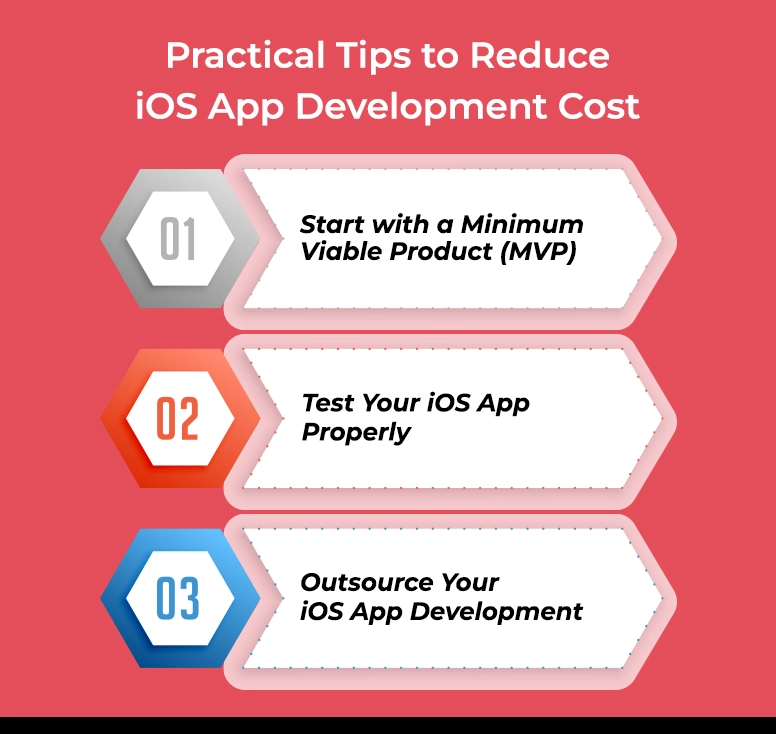
1. Start with a Minimum Viable Product (MVP)
An MVP is the first, simple version of your app. It only has the basic features you really need. The goal is to launch it, see how people react, and learn what works. This stops you from spending money on features that may not be useful. Many app companies start with an MVP. It keeps costs low and helps test ideas in the real world.
2. Test Your iOS App Properly
Even a simple MVP needs testing. Many businesses rush to launch because they don’t want to fall behind competitors. But if the app has bugs or problems, fixing them later costs more. Take your time to check everything works. A well-tested IOS app saves money and gives users a better experience.
3. Outsource Your iOS App Development
Hiring a whole team from an experienced app development company can save money. You get developers, designers, and testers all working together. This is often better than using freelancers for bigger projects. Freelancers may be cheaper, but they work alone, and it can take longer. Outsourcing gives you access to skilled teams at reasonable rates.
Wrapping Up: Making iOS App Development Work for You
Building an iOS app can feel expensive when you see all the cost factors. But understanding what affects the iOS app development cost makes it easier to plan. You don’t have to overspend. Starting with a smaller version of your app, testing it well, and working with an experienced iOS development team can save both time and money. A carefully planned iOS app not only fits your budget but also gives users a premium and enjoyable experience.
Working with a professional iOS development team means you get more than just coding. Designers, testers, and project managers all work together to make sure your app works perfectly. This is usually better than hiring freelancers, especially for bigger or more complex iOS apps.
By keeping an eye on costs, hidden expenses, and smart development tips, you can launch your iOS app without surprises. Once live, your iOS app becomes a tool that can grow your business and reach more users effectively.
Frequently Asked Questions
How much does it cost to develop an iOS app?
Well, it really depends on your app. A simple iOS app with basic features can start around $10,000. But if your app has advanced features, custom designs, or complex functionality, the cost can easily go over $100,000. So, knowing what you want from the start helps plan your budget better.
What affects iOS app development cost the most?
Several things come into play. The size of your app, the complexity of its features, and the design all matter. On top of that, integrating APIs, the experience of your team, and where your developers are located can change the cost. iOS apps that need multiple screens, custom functionality, or third-party integrations will naturally cost more.
Should I hire freelancers or a full iOS development team?
For small projects, freelancers may work. But for serious iOS apps, a full, experienced team from a custom software development company is usually the better choice. They handle everything from coding and design to testing and project management. This way, you save time and reduce mistakes, which can actually save money in the long run.
How long does it take to develop an iOS app?
Development time varies with complexity. Simple apps usually take 2 to 4 months. Medium-level apps can take 4 to 8 months, and complex apps may take 8 months or even longer. Working with an experienced team such as Linkitsoft can speed things up since they know the process inside out.
Are there hidden costs in iOS app development?
Yes, and these can catch many off guard. Things like data storage, the Apple developer account fee, annual updates, and ongoing maintenance all add up. Planning for these costs early helps you avoid surprises later and keeps your budget realistic.