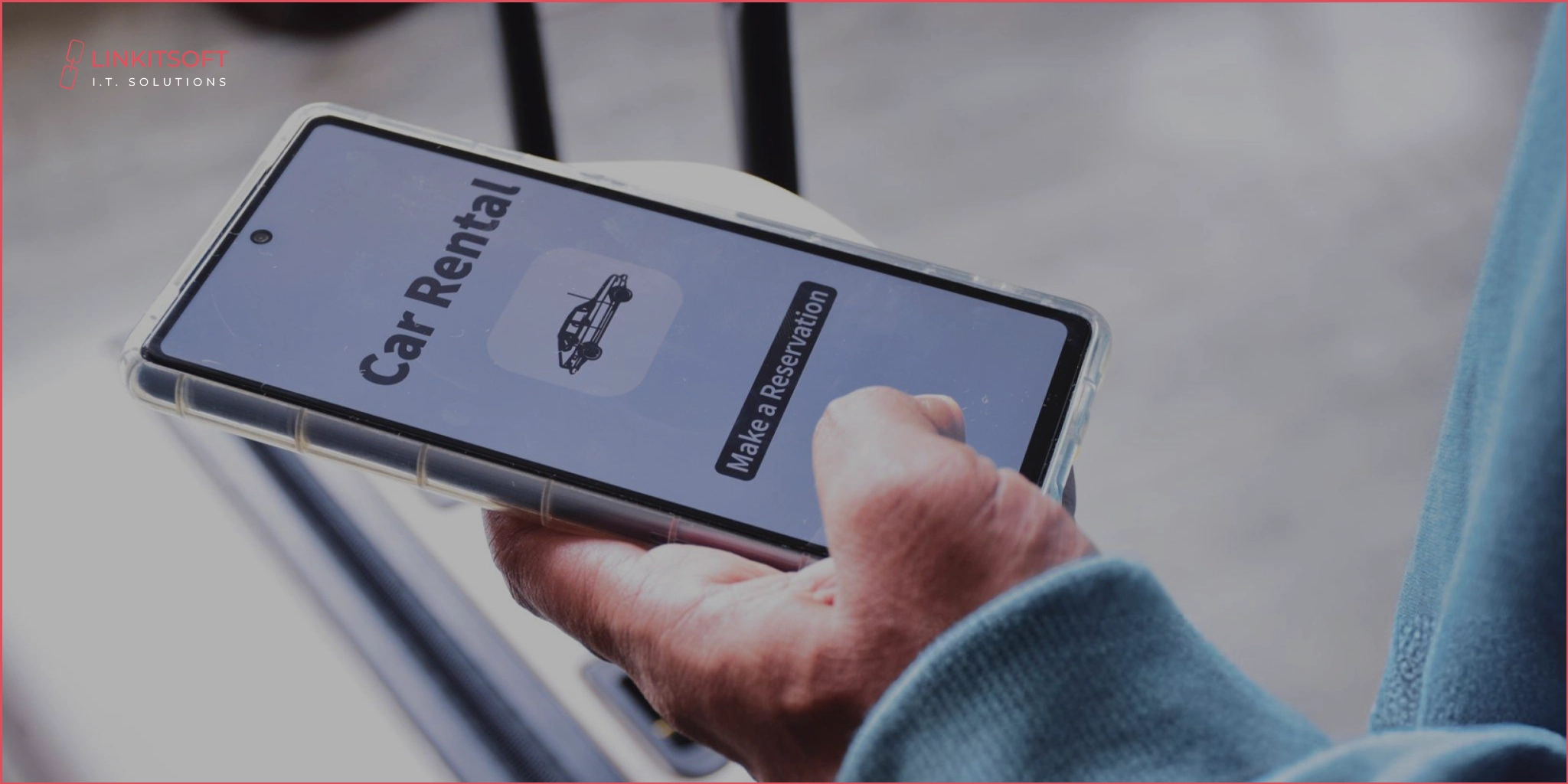
Imagine standing in a crowded airport with a suitcase in hand. You’re watching people tap a few buttons on their phones and drive off in rental cars. They don’t have to stand in lines or do any paperwork.
Meanwhile, you’re still waiting for a shuttle to the rental desk. That moment right there? That’s when you realize this is not it.
The car rental world is changing. What used to be a time-consuming process is now being reimagined by sharp startups. They are building smooth, on-demand digital experiences. And the truth is, there’s still plenty of road ahead for innovation. 64% of millennials in urban areas already prefer car rentals or car-sharing services across the United States.
If you’ve been thinking about jumping into this space, building your own car rental app could be the engine behind your next big move. But great ideas need great execution. That’s where this guide comes in.
What are Car Rental Apps?
Think of them as your travel buddy. They are ready whenever you need a ride. Maybe you want to head out for a weekend vacation or just need a vehicle for the day. Whatever your goal is, these apps let you book a car in minutes. And it happens right from your phone.
During the pandemic, these apps gained popularity. People started looking for ways to skip the crowded bus. They preferred safety and convenience over the traditional desk.
Many platforms now offer long-term rental options. They’re perfect for commuters or anyone who doesn’t want the hassle of owning a car. Yet, they still need one regularly.
With time, suddenly, having a car delivered to your door with just a few taps became the new normal.
What Features Do Car Rental Apps Normally Have?
On average, more than 1200 new apps are released on the Google App Store. Yet, only a few survive. Most apps just fade into the darkness. So, what’s the secret of the ones that pull through? It’s more than the size of the app or who created it. It’s all a game of unique features.
Users go where they find value. And that comes when you offer users what they need. The things that solve their problems. When you build your own car app, you’re making the process of renting cars easier. That’s exactly what your users want.
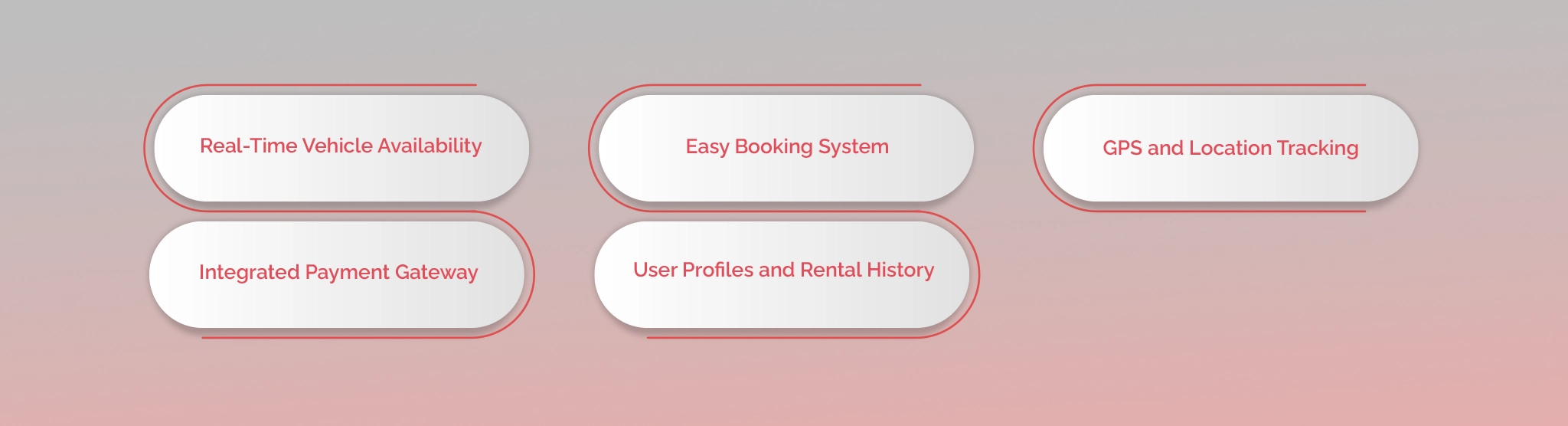
- Real-Time Vehicle Availability: Lets users see what cars are available and where. They’ll know when they can get their vehicles any guesses.
- Easy Booking System: A smooth flow to select a car duration and confirm the booking in just a few taps.
- GPS and Location Tracking: For live vehicle location and pickup/drop-off navigation. It even results in better fleet management.
- Integrated Payment Gateway: Secure and smooth options like credit/debit cards or even in-app wallets.
- User Profiles and Rental History: So users can view past trips and book faster next time.
What is the Process for Car Rental App Development?
The process for developing a car rental app isn’t that different from how you build any other app. Yet, car rental apps are doing what most apps don’t. They give users a sense of safety and convenience.
When users know they can trust your app, they automatically know their information is in safe hands. But to get to that stage, you need to be vigilant from the beginning, just as any good car wash app development company would recommend. This isn’t even the development stage. It begins with the initial planning.
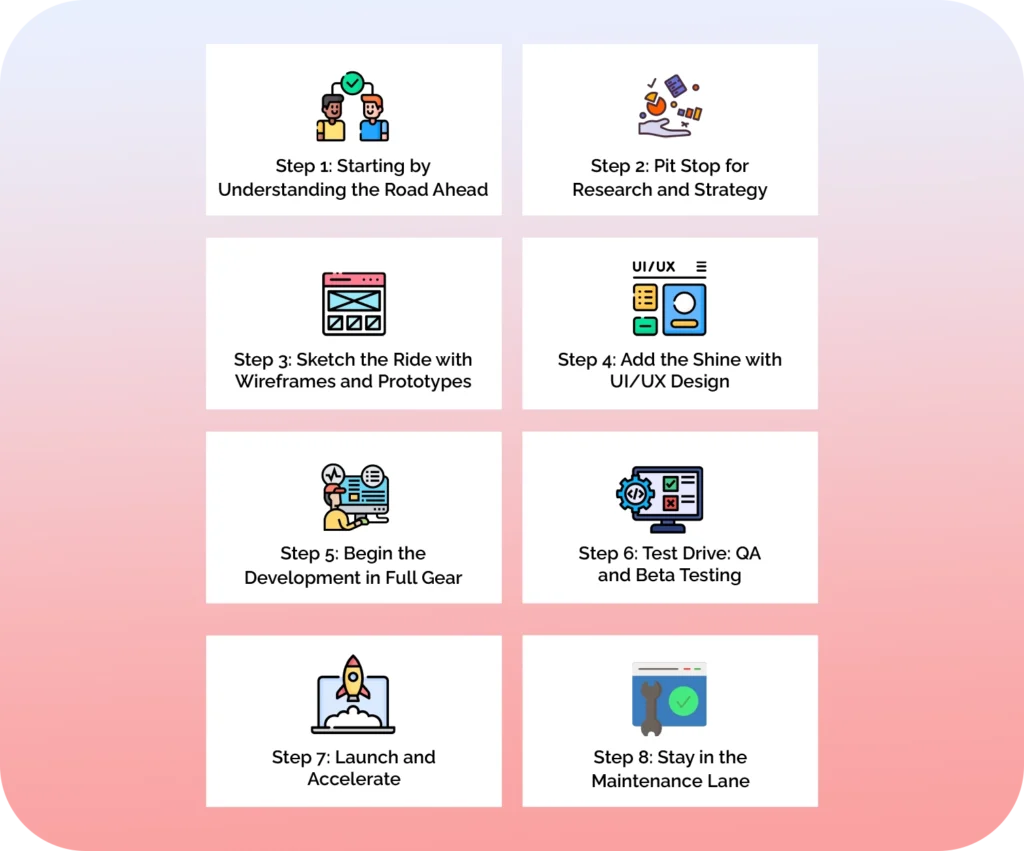
Step 1: Starting by Understanding the Road Ahead
Before you think about the development, you need to understand who you’re building for. What kind of ride are your targeted users expecting? This step is all about mapping out your market and how your app will be unique.
- Identify your target users and use cases
- Analyze competitors
- Define your unique value
Getting clear at this stage saves a lot of u-turns later.
Step 2: Pit Stop for Research and Strategy
Now that you know where you’re headed, it’s time to plan how you’ll get there. This phase is where we open the hood and examine the nuts and bolts. So basically, you’re deciding the feature sets and user journeys. It’s not the best part, but it sets the entire tone for development.
- Decide between peer-to-peer or corporate rental models
- Choose must-have vs. nice-to-have features
- Plan monetization: hourly/daily rates, subscriptions
The smarter you are here, the less you’ll spend later on fixing things that didn’t need to break.
Step 3: Sketch the Ride with Wireframes and Prototypes
Grab a pen or marker. This is where we’ll visualize what your app’s interface and logo will look like. It’s not enough to just have it in your mind; sketch it out. Wireframes map out every screen and button. It’s where your idea finally starts to look like an actual product.
- Build low-fidelity wireframes to define screen flow
- Create clickable prototypes for basic user interaction
- Test early with real users or stakeholders for instant feedback
Don’t skip this. It’s cheaper to move boxes on a wireframe than to rewrite code later.
Step 4: Add the Shine with UI/UX Design
Time to make your app look like something people actually want to use. This is where we ditch the grey boxes and bring in real color. Great UI gets attention, but the UX keeps people coming back. That combo is the secret for any winning rental app.
- Design clean, intuitive layouts that feel natural to use
- Keep branding consistent across screens
- Focus on ease: fewer taps to book, zero confusion
If your app looks like a 2001 dashboard, no one’s sticking around to drive.
Step 5: Begin the Development in Full Gear
This is where the frontend meets the backend. Those pretty screens start working like real software. Your dev team will start writing code and compiling. They’ll make sure every tap and scroll does something meaningful.
- Integrate third-party tools
- Set up backend logic
- Connect frontend screens using reliable frameworks
Development is the garage where your dream app becomes a real app.
Step 6: Test Drive: QA and Beta Testing
You wouldn’t hand someone the keys without checking the brakes first, right? This phase is all about making sure your app actually works. So, it needs to be perfect and capable of handling the pressure.
- Launch a beta version for feedback
- Do stress testing for heavy traffic and usage
- Run functional testing on all user flows
Ultimately, inspect things and make sure everything works perfectly.
Step 7: Launch and Accelerate
Launching isn’t just about clicking “publish.” It’s about making it get deployed successfully. You also need to ensure everything runs smoothly after the launch. That’s how you know people are going to love your app.
- Monitor performance and booking activity
- Be ready for quick fixes and user feedback in the first few weeks
- Launch the app to Google Play and App Store
This is when your app meets the real world.
Step 8: Stay in the Maintenance Lane
Apps need regular checkups to keep performing at full speed. This step is all about updates and staying ahead of the curve. Bugs often show up after launch when the app ends up on actual devices. This is where you’ll respond to what your users really want.
- Monitor for crashes and bug issues
- Roll out updates and enhancements regularly
- Keep an eye on analytics to guide smart changes
Maintenance is where good apps become great ones.
Conclusion
Car rental apps are becoming popular over time. The market size reached USD 101.76 billion in 2024, and it is still growing. Launching an app in this industry can do wonders for your business. Yet, the decision isn’t easy. You need reliable developers by your side.
This is where Linkitsoft comes along. Our skilled developers and designers help you create the exact app that has been on your mind. Contact us today, let us help you get ahead in a competitive market.
Frequently Asked Questions
Why should I even create an app for my car rental business?
You need to because your customers are on their phones, not in front of desktops. A mobile app makes bookings faster and builds trust. It keeps your fleet one tap away from your customers 24/7.
What core features should I have in my car rental application?
You’ll need these main features when building a car rental app:
- User registration
- Real-time vehicle availability
- Booking
- Payments
- Driver tracking (if needed)
- Reviews
- Admin dashboard
How does Linkisoft ensure security during car rental mobile app development?
We integrate secure payment gateways and use encrypted data storage. Additionally, we follow compliance protocols like GDPR and PCI DSS. So, your user data stays safe, always.
How long does it take to build a car rental app with Linkitsoft?
A basic app typically takes 10–14 weeks. But this could easily change depending on your feature set and platform choice. Integrations make a difference, too. We can always settle on building an MVP if you want something faster.
What technologies does Linkitsoft use for Car rental app development?
At Linkitsoft, we only use reliable frameworks and tools for app development.
- Frontend: React Native / Flutter
- Backend: Node.js / Laravel / Django
- Database: PostgreSQL / MongoDB / Firebase
- Security: SSL encryption, OAuth 2.0