Education
Enterprise
Kiosk
Development, Design, Testing, and Deployment
Xavier College wanted a simple and fast way for students to check in when they were late. The goal was to let students log their lateness by themselves, take a photo for verification, print a confirmation slip, and automatically save all details in Microsoft Dynamics CRM. This would make the process easier for staff, keep records accurate, and ensure everything ran smoothly.
Before the attendance kiosk, staff had to record student lateness by hand. This process was slow, took extra effort, and sometimes caused mistakes.
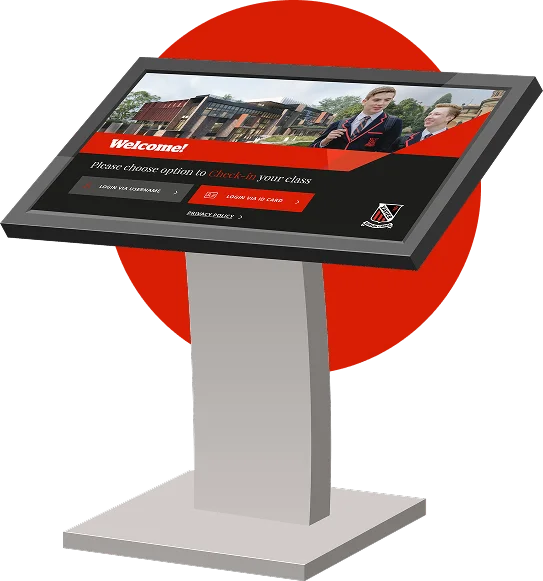
We developed a Windows-based self-service attendance kiosk. Students can log their own lateness, and the system automatically updates Microsoft Dynamics CRM. A photo is taken for verification, and a confirmation slip is printed. This removed the need for manual entry and made the process faster and more reliable.
The college needed a way to make sure every late check-in was accurate and properly verified.
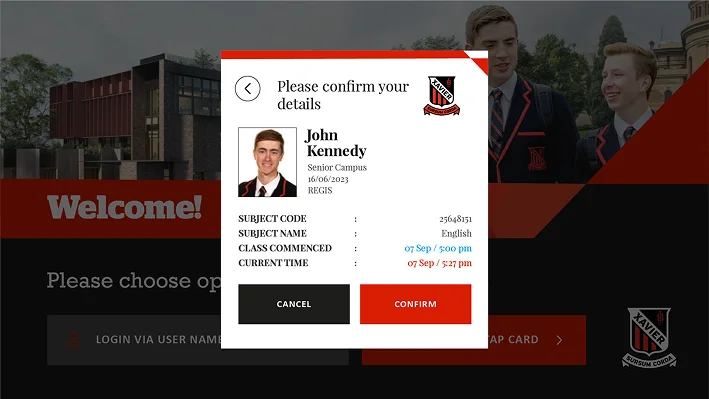
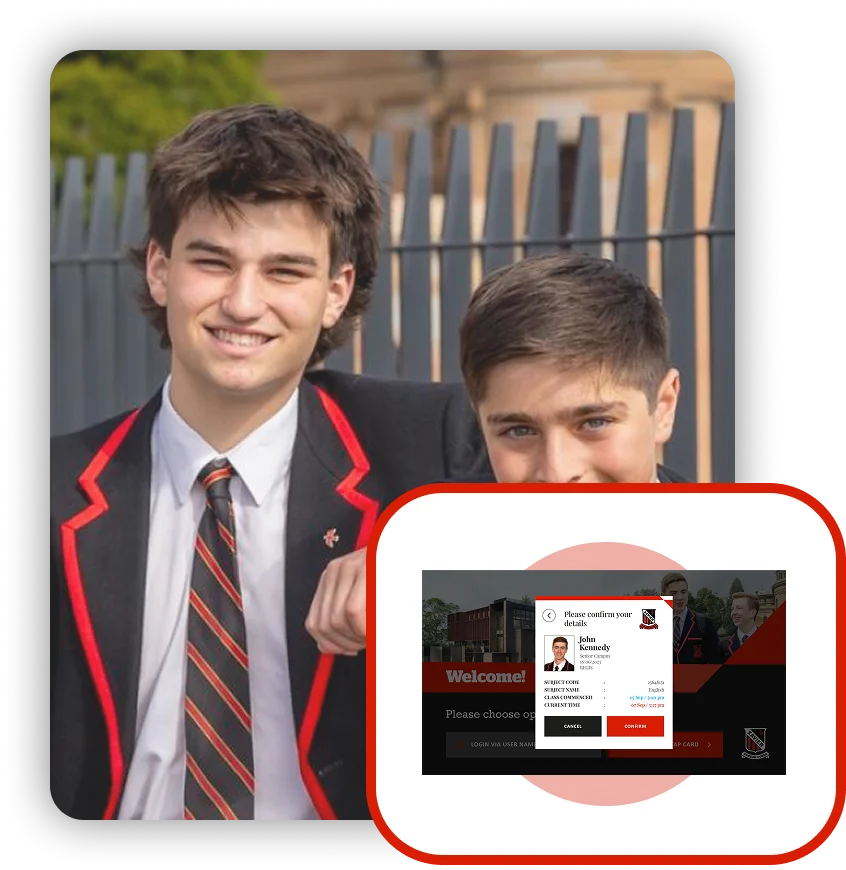
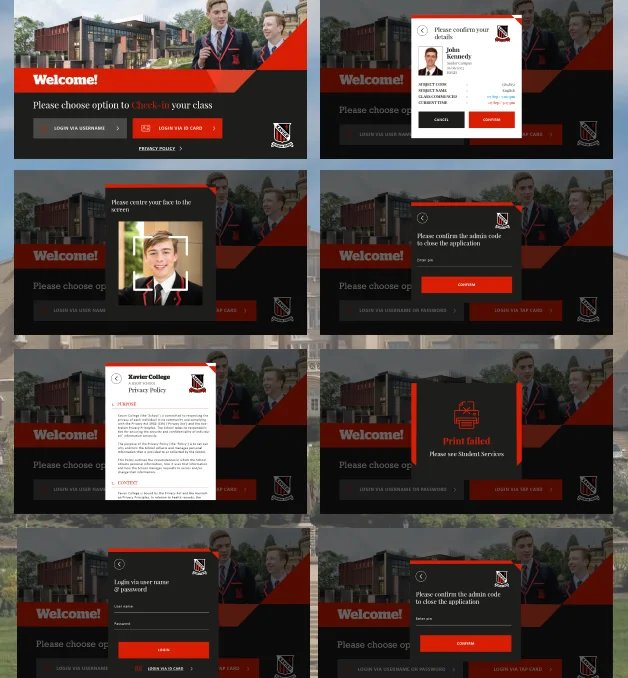
The kiosk displays the student’s details from Dynamics, including name, photo, campus, class, year, house, and teacher. Students confirm their information before submitting. This ensures accurate records and gives staff confidence in the data.

The college wanted all data to be stored automatically in their existing system without extra work.
We connected the kiosk directly to Microsoft Dynamics CRM via SQL Server. Every check-in, photo, and reason is saved instantly. Admins receive an email with the details and photo for verification.
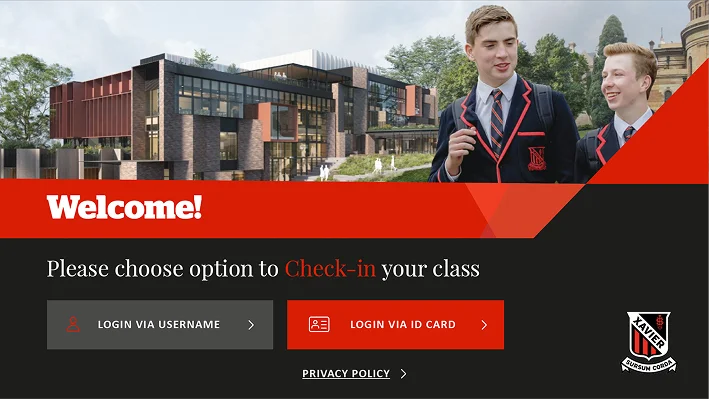
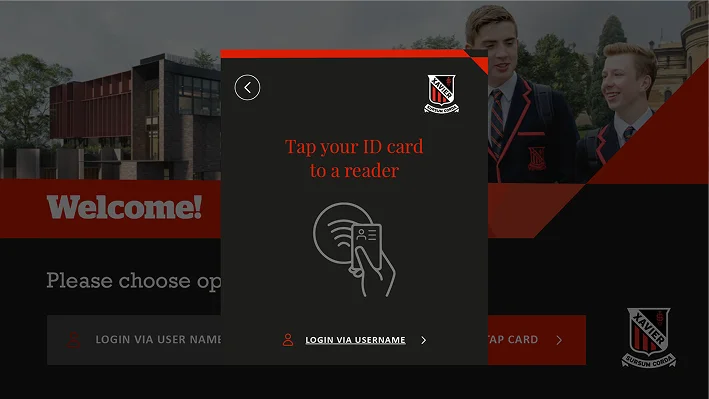
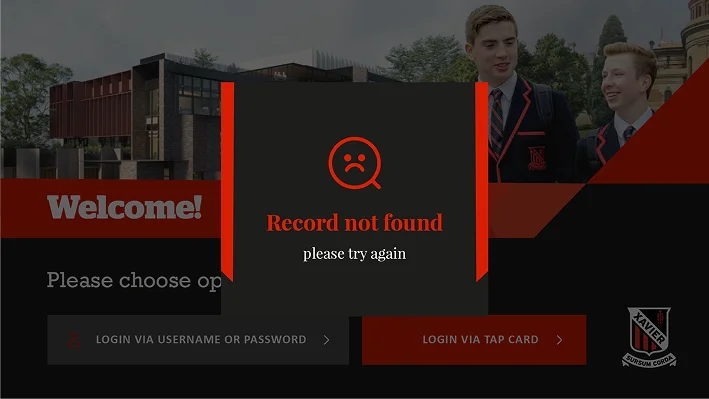
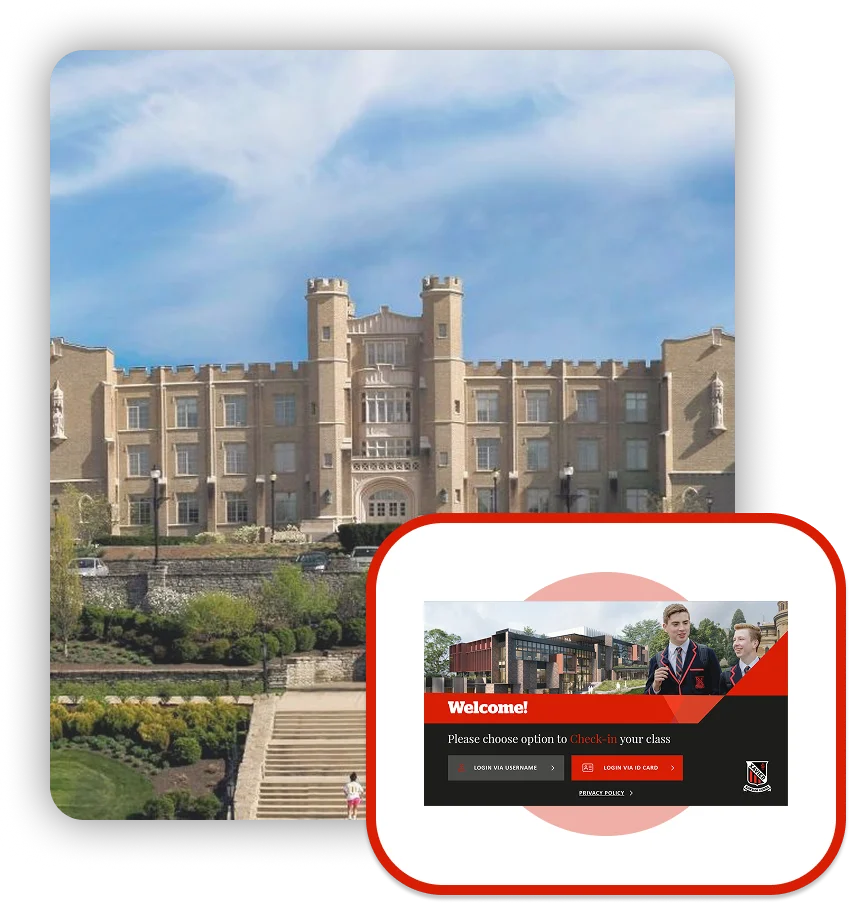
Students tap their ID card on the kiosk to check in. Their details appear on the screen right away. This makes the attendance easy and quick.
Each check-in is saved straight into Microsoft Dynamics CRM. The system keeps attendance records accurate without any manual entry.
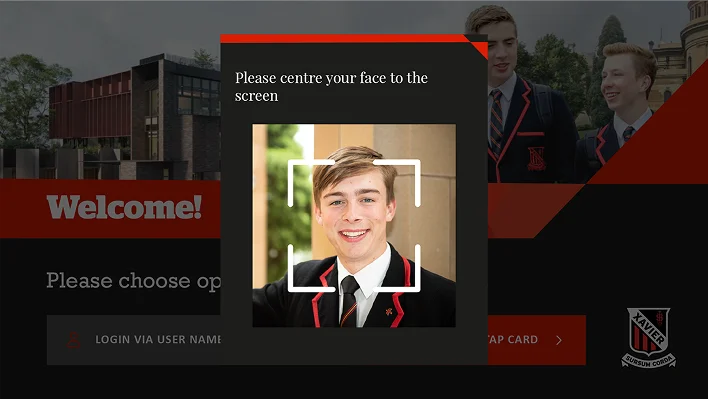
The attendance kiosk also takes a quick photo of every student using the built-in Surface camera. This helps the college staff confirm which student has checked in.
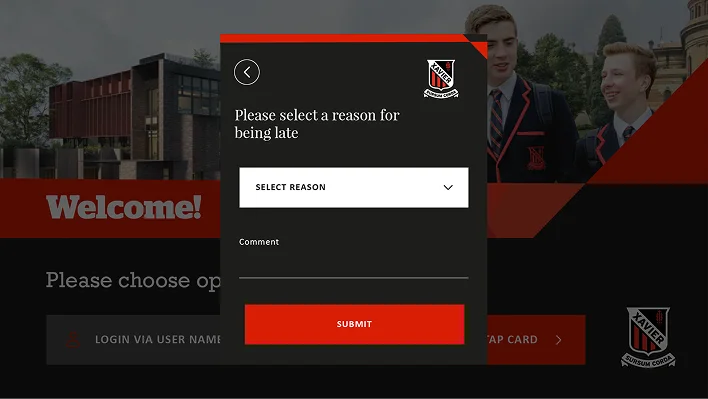
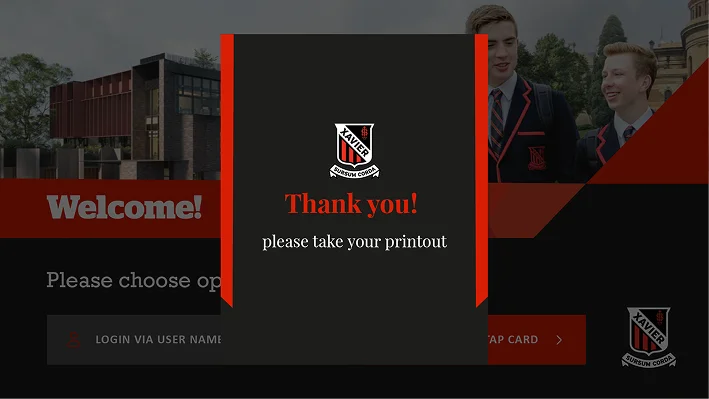
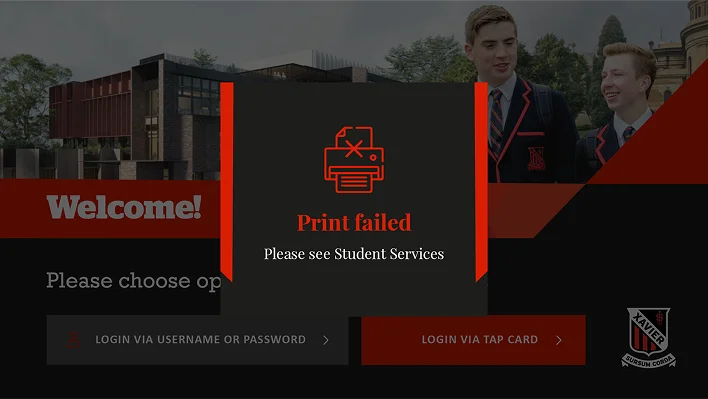
Once the student checks in, a small slip prints instantly. It shows their name, ID, and reason for being late.
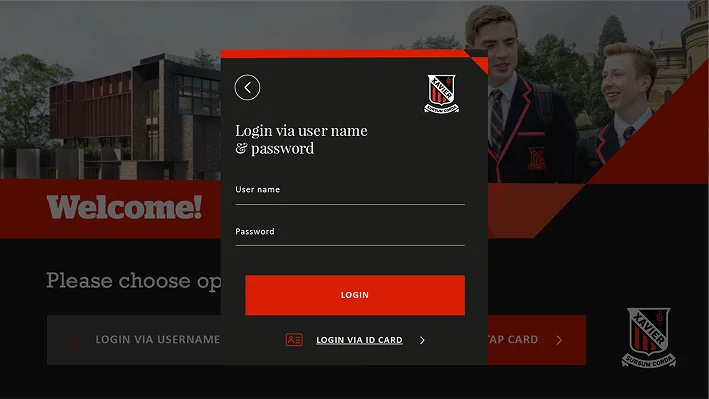
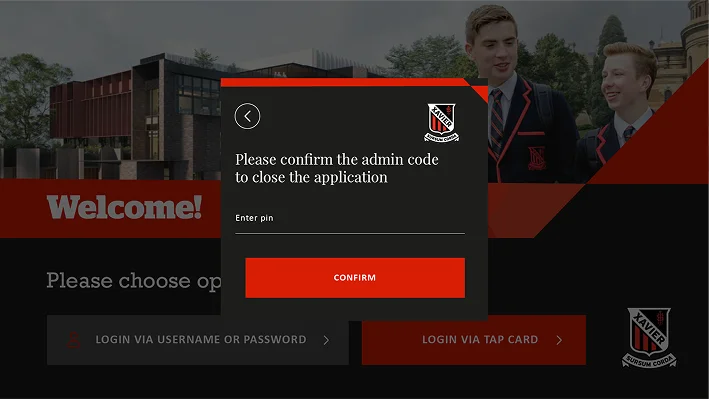
The app runs in a locked mode, so students can’t close or change anything. Only staff members can access the admin panel with a password.
After every check-in, an email goes to the school office. It includes the student’s details, photo, and late reason for easy recordkeeping.
The screen is clear and well-organized. Students can finish their check-in quickly without needing help.
The app was built with C# and WPF for smooth and stable performance. It can support more kiosks or campuses in the future if needed.
The new self-service attendance kiosk helped Xavier College make student attendance faster and more reliable. Students now record their lateness in seconds, without waiting in line or needing staff assistance. Staff can now access real-time data, verified photos, and digital reports whenever needed. It has improved accuracy, saved time, and created a smooth experience for both students and staff. What initially started as an idea to make check-ins easier has now become an essential part of Xavier College’s daily operations.
Let’s build it together.
We help you build smart vending software designed for growth and automation!
Let’s make your app idea a reality – we’ll guide you through every step to success!